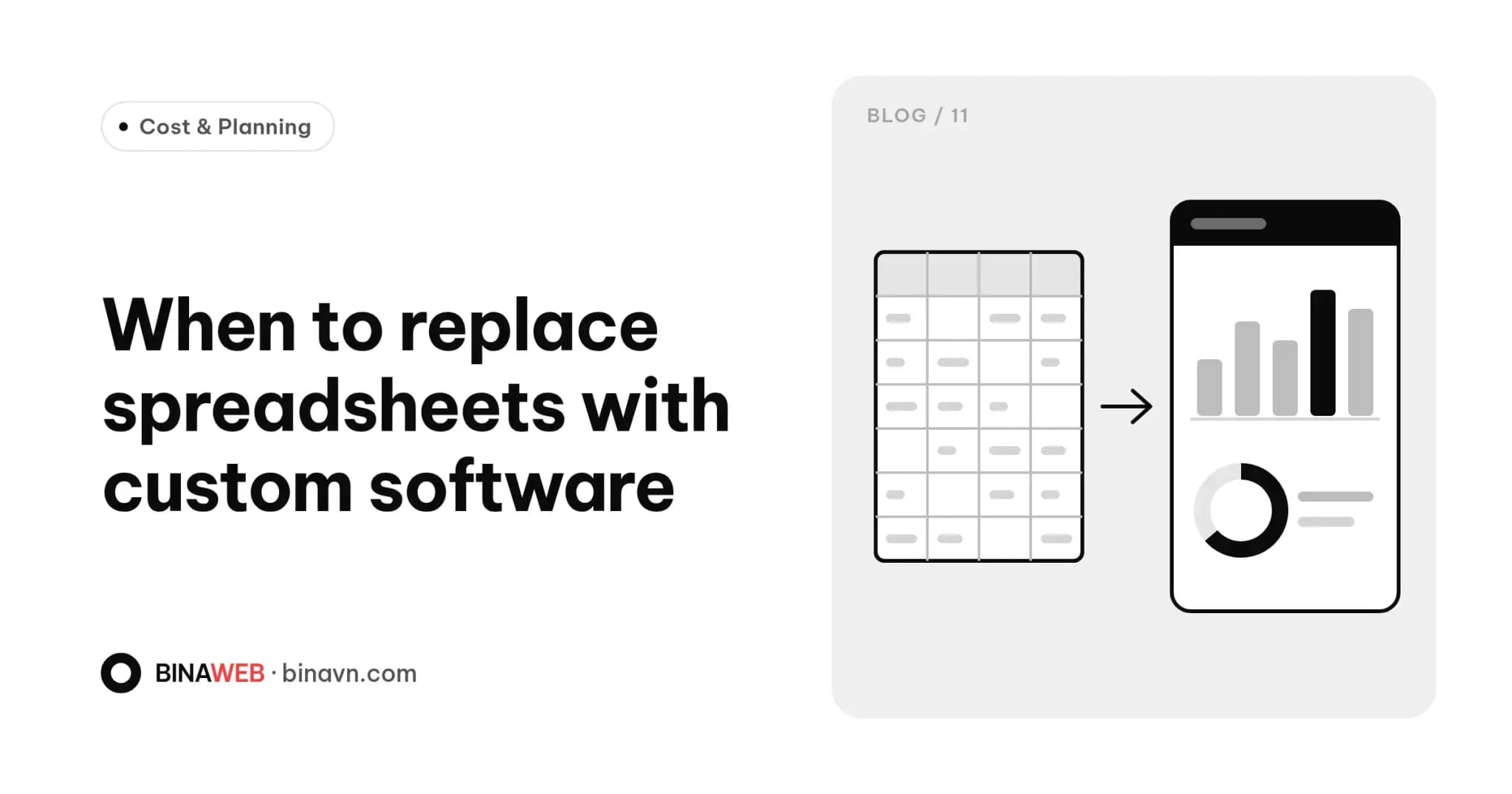
Most small businesses start out running on Excel or Google Sheets. One sheet for orders, one for stock, one for customers, plus a Zalo group to keep everyone in sync. At first it's quick, cheap and good enough.
Then one day the sheet has thousands of rows, three people are editing the same file, the numbers don't match and month-end takes a whole afternoon. That's when many owners start asking whether they need a proper system of their own.
This guide helps you spot the signs, compare your options and prepare if you decide to build.
Spreadsheets aren't the problem. You've outgrown them.
Excel and Google Sheets are brilliant tools: flexible, familiar and nearly free. The issue isn't the tool. It's that your business now does more than a spreadsheet was designed to handle.
Spreadsheets are built for calculating and storing data, not for running a process with many people, many steps and different permissions.
Seven signs you've outgrown your spreadsheets
- You enter the same information in several places. A new order goes into the orders sheet, gets deducted from stock, then added to receivables. Every re-entry is a chance for error.
- The numbers don't match. Stock says 20 left, sales says sold out. Nobody's sure which is right, and reconciling takes ages.
- People overwrite each other's work. Someone deletes a column, breaks a formula or saves over a colleague's changes, and you find out too late.
- You can't control who sees what. Sales staff should see their own orders, accounting needs receivables, managers need everything. With one shared file, that's hard to enforce.
- Reports eat up hours. Every week or month, someone filters, totals and pastes figures together. It's repetitive work that could be automated.
- The file keeps getting slower. Tens of thousands of rows and complex formulas mean slow opening, slow calculations and freezes, especially on phones.
- The process lives in one person's head. Only one person knows how the sheets connect. When they're away, everything stalls.
If three or more of these sound familiar, it's time to think seriously about an alternative.
Your options
Off-the-shelf software
There are plenty of subscription tools for sales, inventory and CRM. They work immediately and cost little upfront. The trade-off: you adapt to their process, you pay for features you don't use while still missing the ones you need, and costs climb with every user you add.
It's a good fit when your workflow is fairly standard and an existing product covers most of it.
Custom software
A system built around how your business actually works: your steps, your forms, your permissions. Usually it's a browser-based admin system that works on both desktop and mobile.
It fits your process, grows with you and belongs to you. The trade-off is time spent on discovery and building, and a higher upfront cost.
Extending your website
If you already have a website, it can often grow an admin back end: website orders flow straight into the system, stock updates itself and customer records are saved automatically. When your site and your operations share one database, a lot of manual entry disappears.
Where to start
Custom software doesn't have to be built all at once. The safest approach is to start where it hurts most:
- Map your current process. Who does what, in which sheet, and how long it takes. Pen and paper is fine.
- Pick the biggest pain point. Orders or inventory, for example. Solve that first.
- Share your existing sheets. They're excellent discovery material, showing exactly what you track today.
- Define roles and permissions. What each person needs to see and do.
- Expand step by step. Once the first module runs smoothly, add reporting, receivables or customer follow-up.
Building in phases keeps costs under control, lets staff adjust gradually and delivers value at every stage.
Questions to ask a developer
- Can my existing spreadsheet data be imported?
- Will I receive the source code and database?
- How do new features get scoped and priced later?
- Is data backed up automatically?
- Is there training or a guide for my staff?
The approach in our website build process applies to software too: thorough discovery, a clear scope, then build.
What does it cost?
Custom software pricing depends on the number of workflows, user roles and integrations with other systems, so there's no honest figure until the work is understood.
At Bina, Custom Software is quoted after a discovery session, so the price reflects what you actually need. For a sense of what drives costs, see how much a website costs in Vietnam.
The bottom line
Spreadsheets are a great starting point, not a final destination. When they start slowing your team down instead of helping, a system of your own can give you back hours every week.
Wrestling with a pile of spreadsheets? Tell us how your process works today. We'll help you figure out where to start, and whether an existing tool or a custom system makes more sense.