Many first-time clients describe the same feeling: you send your brief and then... wait, unsure what's happening, when it'll be done or what you should be preparing. That uncertainty is how projects slip and misunderstandings creep in.
Here's the process Bina follows, step by step. Whether you work with us or someone else, knowing how it should go helps you stay in control.
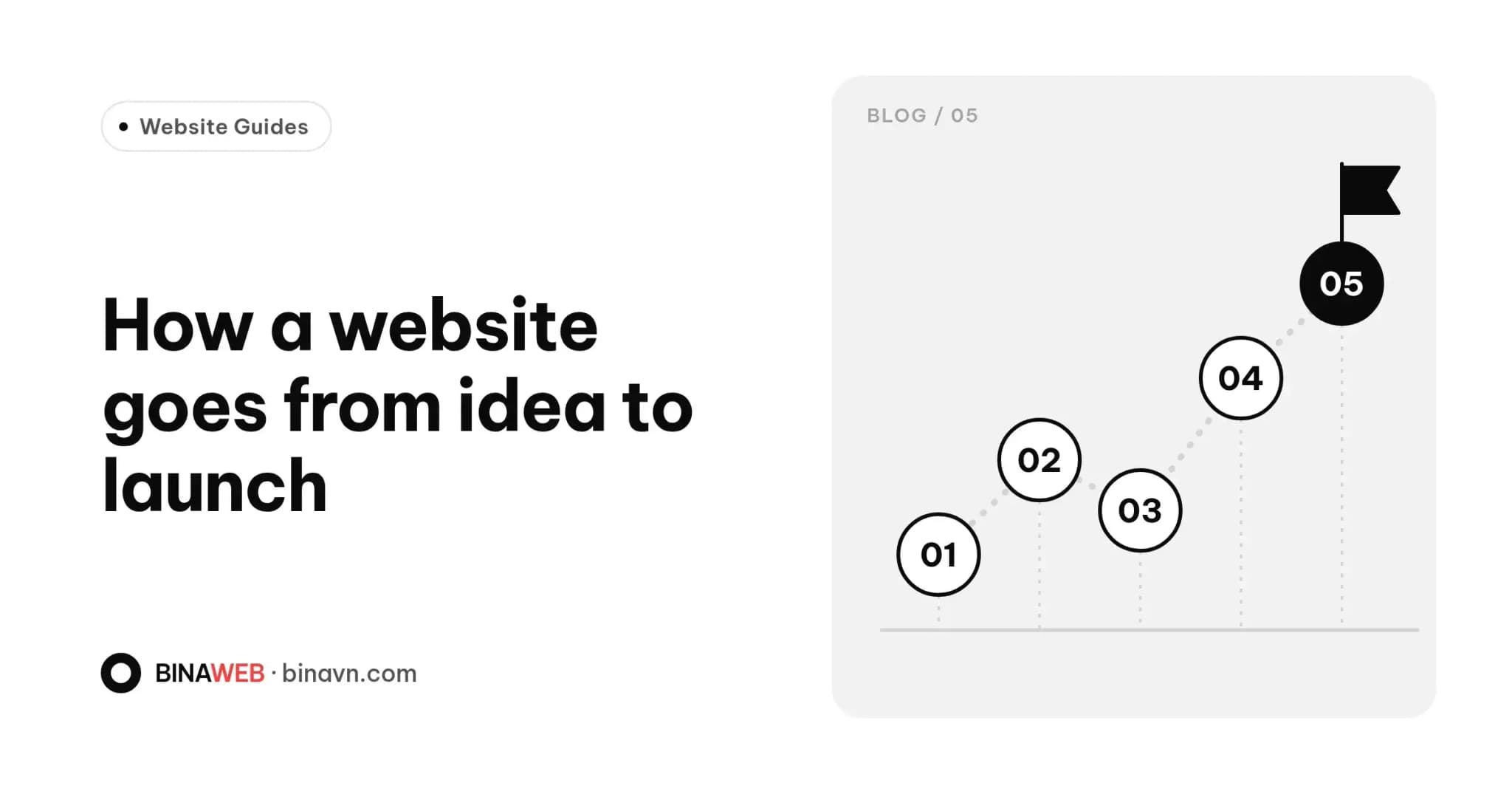
The steps at a glance
- Discovery
- Scope and quote
- Content preparation
- Design
- Development and CMS setup
- Testing
- Launch
- Handover and support
How long each step takes depends on the project. A landing page moves through them quickly; a custom system needs more time at each stage.
1. Discovery
The most important step, and the one most often rushed. Before talking colours or page counts, we need to understand:
- What your business does and what sets it apart.
- What the site must achieve: enquiries, sales, credibility.
- Who your customers are and how they look for information.
- Which channels you already use: Facebook, marketplaces, Zalo.
- Sites you like or competitors worth a look.
What to bring: a short description of the business, goals, rough budget and ideal launch date. It doesn't need to be polished, just honest.
At Bina you speak directly with the person who'll build your site, so nothing gets lost in translation.
2. Scope and quote
You then receive a proposal covering:
- Specific pages and features.
- What's out of scope.
- A timeline for each phase.
- The number of revision rounds.
- An itemised quote, plus running costs after year one.
At Bina, the Standard Website starts from $199 and Conversion-Focused from $399, both with a CMS. Custom software is quoted after discovery. Domain and hosting are free for the first year. See our Services page or read How much does a website cost in Vietnam?.
Tip: read the "not included" section carefully and ask about anything unclear. Everything is agreed in writing before work starts.
3. Content preparation
Content is the number-one cause of delays. A finished design can't launch without words and images.
You'll usually need:
- Logo and brand assets, if you have them.
- A company introduction and a list of services or products.
- Real photos of products, spaces and people.
- Pricing, policies and contact details.
- Questions customers often ask.
If you don't have these yet, raise it early to find out how much help is on offer. We can organise and edit content for the web, but the core facts about your business can only come from you.
Tip: prepare content while design is underway rather than leaving it to the end.
4. Design
This is where layout and style take shape, usually starting with the homepage and extending to other pages once it's approved, so everything stays consistent.
Good design isn't just attractive. It should:
- Guide visitors to the main action (call, message, buy).
- Read easily on a phone.
- Fit your brand and your audience.
Giving useful feedback: instead of "not quite right", be specific: "the top section doesn't say what we sell" or "this colour feels darker than our brand". Bundle comments into one round to make the most of your revisions.
5. Development and CMS setup
Once design is signed off, the real site gets built: pages, contact forms, cart, languages, analytics and whatever else is in scope.
The admin panel (CMS) is set up so you can manage articles, products and images yourself. Your prepared content goes in at this stage, and you can usually follow progress on a private staging link.
6. Testing
Before launch, the site should be checked for:
- Display across devices and browsers.
- Page speed.
- Forms delivering to the right inbox.
- Broken links.
- Accurate information, prices and phone numbers.
- Basic SEO settings: page titles, descriptions, sitemap.
Get involved: open the site on your own phone, submit the form, reread the copy. You know the business best and will spot things others miss.
7. Launch
The site goes live on your domain. It then gets a final check in production, the sitemap is submitted to Google and analytics is confirmed working.
Now's the time to announce it on your social pages, business cards, email signature and other channels.
8. Handover and support
Launch isn't the finish line. A proper handover includes:
- Admin access to the site.
- Domain and hosting details (the domain should be in your name).
- A walkthrough of the admin panel.
- A clear way to reach us for support.
Expect a few tweaks in the first weeks as real visitors start using the site. Ask upfront how long post-launch support lasts.
What slows projects down?
- Content that isn't ready.
- Scattered feedback from several people.
- Scope changes mid-project.
- Slow approvals.
The simplest way to stay on schedule: name one point of contact on your side, prepare content early and reply on time. On our side, limiting how many projects we run at once means each one gets close attention and quick responses.
The bottom line
A clear process means both sides know what's needed and when, with fewer unwelcome surprises. If you're comparing providers, ask each one to walk you through their process. Our 10 questions for choosing a web design company can help you prepare.
When you're ready, drop Bina a line. The first step is simply a conversation about what you need, with no commitment.