You want to change a product price, swap the homepage banner for a sale, or publish a new article. On many websites, these small jobs mean messaging the developer, waiting a few days and sometimes paying extra.
With a CMS, you log in, make the change, hit save and you're done. Here's what a CMS is, why it matters for small businesses, and what to look for.
What is a CMS?
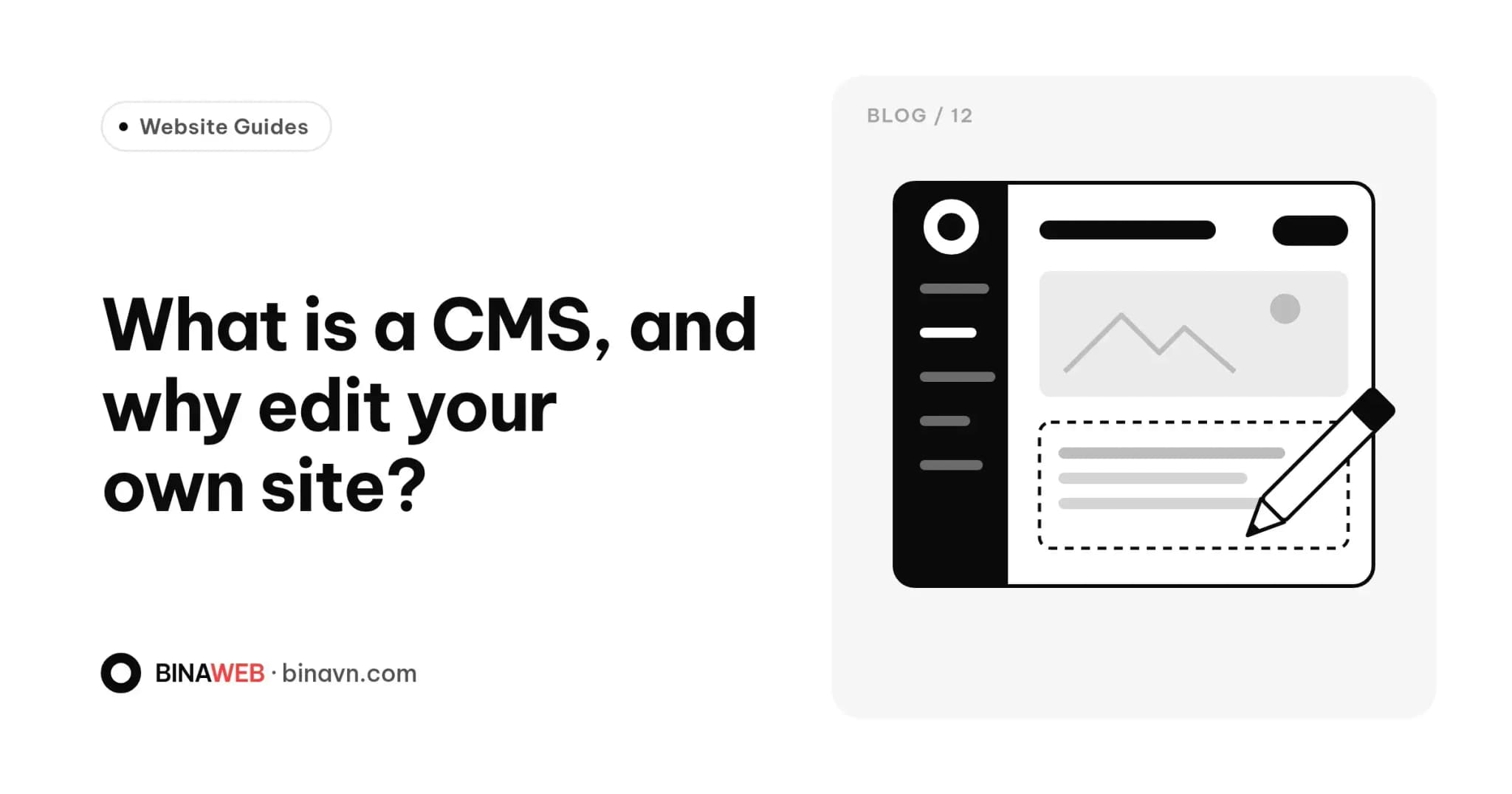
A CMS (content management system) is software that lets you create, edit and organise your website's content without writing code. Most people simply call it the admin panel.
Think of your website as a shop. Customers see the shopfront and the shelves. The CMS is the back room where you rearrange stock, change price tags and prepare the next promotion, all out of sight.
What can you do with a CMS?
Depending on how the site is built, a CMS usually lets you:
- Write and publish posts: news, guides, announcements.
- Manage products or services: add new ones, change prices, update descriptions and photos.
- Swap images and banners for each season or campaign.
- Edit contact details: phone, address, opening hours.
- Manage multilingual content if your site has Vietnamese and English versions.
- Fill in SEO details: titles, descriptions and share images for each page.
- See form submissions from contact and enquiry forms.
Why small businesses need one
You move faster
Sale starting tomorrow? Update the site tonight, no waiting. Your website always matches what's actually happening in your business.
It saves money over time
Paying for a one-line text change doesn't seem like much, but over a few years it adds up. A good CMS lets you handle most day-to-day changes yourself.
Your site doesn't freeze in time
A site that's a hassle to edit slowly goes stale: old prices, old photos, discontinued products. Visitors start wondering if you're still in business.
It helps SEO
Google favours helpful, up-to-date content. When publishing is easy, you publish more often. Our SEO checklist for a new website explains why that matters.
Common types of CMS
- Traditional CMS. WordPress is the best-known example. The admin and the public site live in one system, with a huge library of plugins and themes. It's familiar to many people, but it can get heavy with too many plugins and needs regular security updates.
- Headless CMS. Content management is separate from the front end, and content is delivered to the site through an API. This tends to make sites faster, more flexible and more secure, which suits performance-focused sites or content shared across channels. Payload, Strapi and Sanity are examples.
- Drag-and-drop builders. Platforms like Wix or Squarespace let you build a site yourself. Easy to start, but harder to customise deeply, and you're tied to the platform.
For the person using it day to day, the type matters less than one question: is the admin panel easy for you to use?
What makes a good CMS
- Easy to understand: non-technical staff can use it after one walkthrough.
- Drafts and previews: check changes before they go live.
- Roles and permissions: writers, reviewers and managers get different access.
- Revision history: roll back if something goes wrong.
- Automatic image optimisation: uploads get compressed and resized so they don't slow the site.
- Only what you need: an admin full of irrelevant options is one you'll avoid using.
Does a CMS slow a website down?
Not necessarily. Slow sites usually come down to too many plugins, a bloated theme or weak hosting, not the CMS itself. A cleanly built site can be both easy to manage and fast. Test yours with our guide to checking website speed.
Ask before you sign
- Does the site include an admin panel, and which parts can I edit myself?
- Will I get training or a guide after handover?
- Will I have the top-level admin account?
- How easy is it to add new content types later, like jobs or projects?
The bottom line
A CMS turns your website from a fixed sign into a tool you use every day. It's the difference between a site that was finished once and a site that keeps working for your business.
Every website Bina builds comes with its own CMS and a handover guide, so you can update content, images and posts without touching code. See our packages on the Services page, or get in touch and we'll show you what the admin looks like.