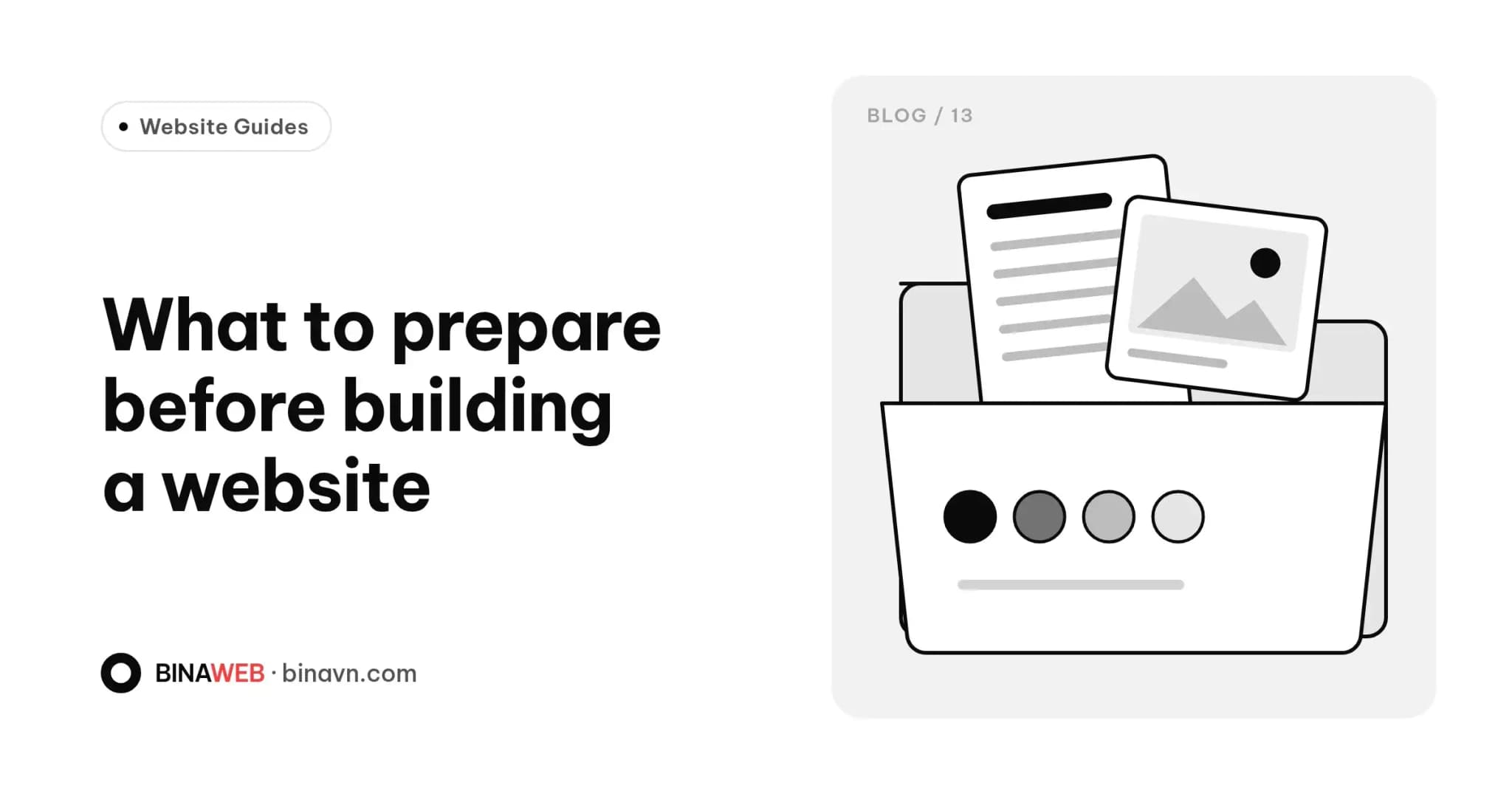
The most common reason a website project drags on isn't the coding. It's that the design is ready, but the copy isn't written, the photos haven't been taken and the logo is still being tweaked.
Getting the items below ready in advance means a faster launch, fewer rounds of revisions and, most importantly, content that says what you actually want to say. It doesn't have to be perfect. A clear draft is enough.
1. The goal of the website
Before thinking about colours or layouts, answer three questions:
- What is the site for? Introducing your business, getting quote requests, selling online, hiring?
- Who's it for? Consumers, businesses, overseas partners?
- What should visitors do next? Call, message on Zalo, fill in a form, place an order?
A few lines will do. These answers shape everything else: how many pages you need, what to emphasise and where the calls to action go.
2. A list of pages
Sketch out the pages you need. A typical small business site includes:
- Home
- About
- Products or services (possibly several sub-pages)
- Projects, key clients or reviews
- Blog or news (if you plan to keep it updated)
- Contact
- Policy pages: privacy, returns, shipping (if you sell online)
If you only need one page to promote a single product with ads, a landing page may suit you better than a full site. See What is a landing page? to tell the difference.
3. Brand assets
- Logo: ideally the original vector file (AI, SVG, PDF) or a high-resolution PNG with a transparent background.
- Brand colours: colour codes if you have them. If not, send a few images that capture the look you like.
- Fonts: if your brand uses specific ones.
- Brand guidelines (if any): so the site matches your packaging, signage and social channels.
4. Written content
This is often left until last, yet it matters most. Nobody knows your business better than you. Prepare:
- About information: what you do, who for, and what makes you different. Your founding story if you have one. Write it as if you were talking to a new customer.
- Each product or service: a name, a short and a long description, the benefits (not just specs), pricing if you want to show it, and how the process or delivery works.
- FAQs: list five to ten questions customers often ask by phone or message. It's valuable content that helps both visitors and SEO.
- Contact details: address, phone, Zalo, email, opening hours, Google Maps link and social profiles. Make sure they match everywhere.
Tip: if writing feels hard, record yourself explaining a product to a customer, then transcribe it. Natural speech often reads better than forced copy.
5. Photos and video
Real photos build more trust than stock images. Gather:
- Product shots: clean background, good light, several angles.
- Your space: shop, office or workshop.
- People: you and the people you work with, plus customers if they agree.
- Past projects: before and after, if it suits your industry.
- Short videos (optional): introductions, processes, customer stories.
Photos from a recent phone are perfectly usable if they're bright and sharp. Send the originals, not copies forwarded through Zalo or Messenger, which are usually compressed.
If you use images from elsewhere, make sure you have the right to use them.
6. Proof that builds trust
- Customer reviews and testimonials (with names, if customers agree).
- Logos of partners or key clients.
- Certificates, licences, awards.
- Real figures, such as years in business, as long as they're accurate.
Only include what's true. Exaggeration backfires when customers notice.
7. Reference websites
Send two or three websites you like and say why: the layout, colours, how products are presented, or simply how clean they are. Add a few competitors too. It tells a designer far more about your taste than any description.
8. Technical details
- Domain: do you have one, where is it registered and in whose name? Our guide to domain, hosting and SSL explains the basics.
- Existing website (if any): admin logins, hosting, and pages whose URLs should be kept.
- Email on your domain: which service you use.
- Tools you already use: Google Analytics, Facebook Pixel, sales software that needs connecting.
9. One decision-maker
Pick one person to give feedback and sign off. When several people send conflicting comments, projects stall. Agree internally before replying.
Checklist summary
- Website goal and the action you want visitors to take
- Page list
- Logo, colours, fonts
- About, product and service copy, plus FAQs
- Consistent contact details
- Real, original photos and video
- Reviews, certificates, partners
- Two or three reference sites
- Domain and old-site details
- One person to approve
The bottom line
You don't need everything to be perfect, but the better prepared you are, the faster and closer to your vision the site will be. See what comes next in our website build process.
Already have some of this and want to know what's missing? Get in touch. In our first conversation, we'll go through it with you and suggest how to organise your content.