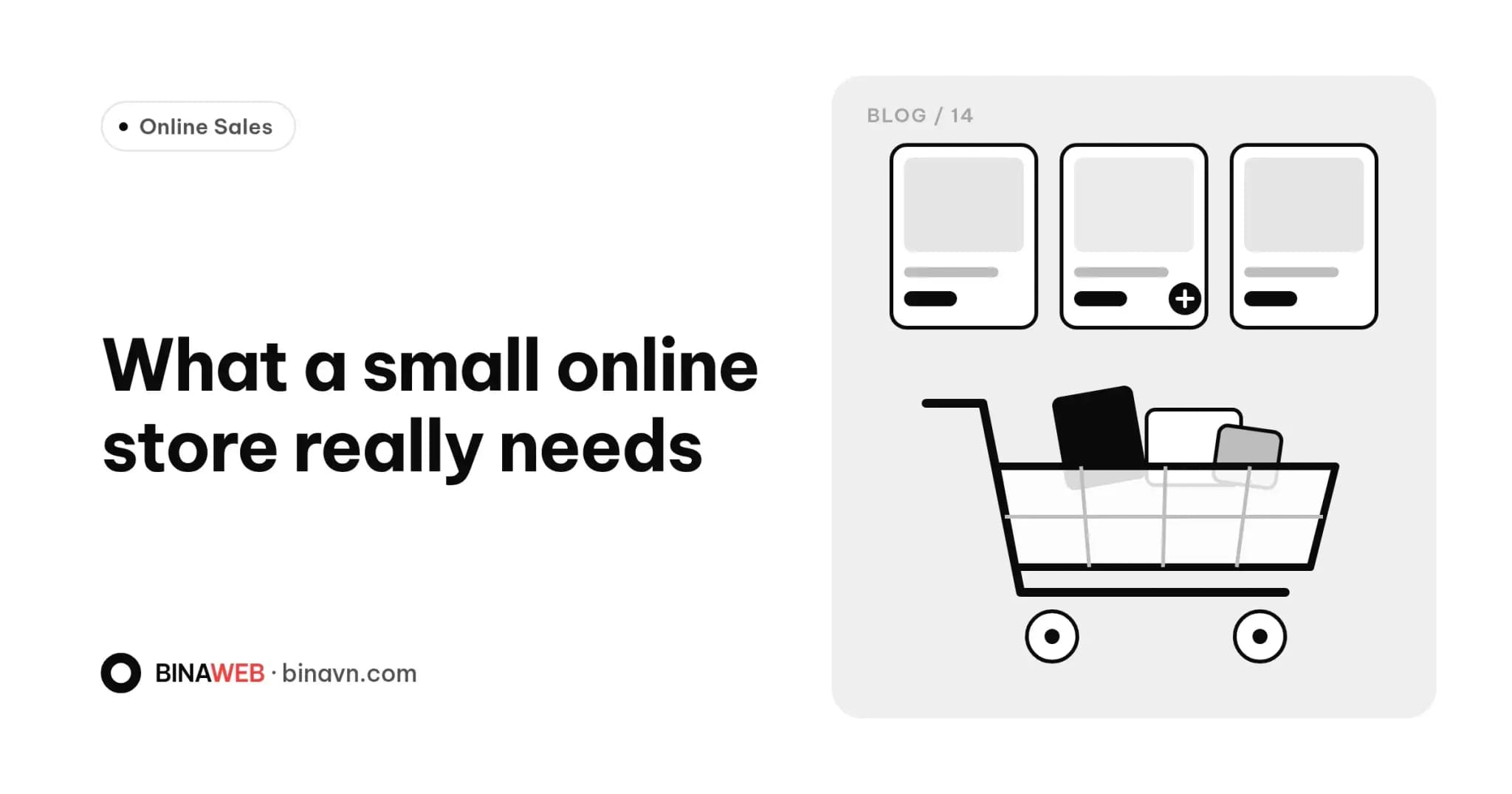
It's easy to get carried away with ecommerce features: spin-to-win wheels, chatbots, product comparisons, loyalty points. But for a small shop, the best website isn't the one with the most features. It's the one that makes it easiest to find, trust and buy.
This guide splits features into three groups: must-haves, worth adding once sales are steady, and nice-to-haves for later. Use it as a checklist when you talk to your developer.
Must-haves
Clear product pages
This is where buying decisions happen. Each product needs:
- Several real, zoomable photos from different angles.
- A clear price, plus any sale price.
- Options such as colour, size or volume.
- A short description up top and full details below.
- Stock status.
- Delivery and returns information right on the page.
Categories and filters
Once you have more than a few dozen products, shoppers need categories and filters for price, type and size. If they can't find it, they can't buy it.
Search
Fast search with suggestions as you type. In Vietnam, it should also cope with searches typed without diacritics, a small detail that makes a big difference.
A simple cart and checkout
Every extra step is a chance for someone to give up. Aim for:
- Guest checkout, no account required.
- A short form: name, phone, address, notes.
- A clear order summary: items, shipping fee, total.
Payment options that fit
For many small Vietnamese shops, cash on delivery and bank transfer still dominate. Showing a transfer QR code with the order number as the reference makes reconciliation much easier. As volume grows, you can add a payment gateway.
Order notifications
Customers get a confirmation after ordering, and you get notified instantly, by email or whichever channel you check, so no order slips through.
Speed and mobile usability
Most online shoppers buy on their phones. Slow product pages, tiny buttons and fiddly forms all cost you orders. Check yours with our guide to testing website speed.
Policy pages and legal information
Returns, shipping, payment and privacy policies, plus your business details. They build trust, and online stores in Vietnam generally need to be registered with the Ministry of Industry and Trade via online.gov.vn, so check the current rules or ask your developer.
Worth adding once sales are steady
- Order and inventory management: an admin view of orders by status (new, shipping, completed, cancelled), stock updates and printable delivery slips. It saves you copying orders into spreadsheets.
- Discount codes: percentage or fixed amount, by product or minimum order. Handy for campaigns and repeat customers.
- Shipping integration: automatic shipping fees and labels created straight from the order, instead of re-entering everything in the courier's app.
- Product reviews: real comments and photos from buyers are the most persuasive proof for new customers.
- Quick contact: call and Zalo buttons always within reach on mobile, because many shoppers still want to ask before they buy. Our guide to turning your website into a lead channel covers this.
- Analytics: where visitors come from, what they view and where they abandon the cart. A properly configured Google Analytics 4 setup lets you decide based on data, not guesswork.
Nice-to-haves for later
- Customer accounts and loyalty points
- Recommended and recently viewed products
- Product comparison
- Multiple languages and currencies (unless you sell abroad from day one)
- Integration with accounting or custom management software
These are valuable, but usually only pay off once you have steady traffic and orders. A well-built site lets you add them later without starting over.
Marketplaces and your own site can work together
If you already sell on Shopee, TikTok Shop or Facebook, your website doesn't need to replace them overnight. Many shops use their own site to build the brand, keep repeat customers and take direct orders while still selling on marketplaces. We dig into this in Already selling on Shopee or Facebook?
Questions to ask before you build
- Can I add products, change prices and update stock myself?
- Can features be added later, and how is that priced?
- How will I be notified of new orders?
- Do I own the customer and order data?
The bottom line
Start with what makes buying easy, then add features as real needs appear. You'll launch sooner, keep costs in check and invest where it counts.
Bina builds online stores with an admin panel so you can manage products and orders yourself, and we can add modules that match how your shop actually runs. See our packages on the Services page, or send us your feature list and we'll suggest what to build first.