Plenty of businesses have a good-looking website with decent traffic, yet the phone stays quiet. Look closer and the cause is often simple: the phone number is buried at the bottom, the contact form has a dozen fields, and there's no quick way to message from a phone.
People want to get in touch, but the site makes it hard. Here's how to set up your contact channels so reaching you takes no effort, and how to measure which ones actually bring in customers.
The rule: contacting you should be easier than leaving
People decide to get in touch in the moment. If they have to scroll for your number, copy it and switch apps, many give up. The goal: when someone wants to contact you, it takes one tap.
Three questions to check your own site:
- On a phone, how many taps does it take to call you?
- On every service or product page, can visitors see how to reach you straight away?
- Do they know how quickly you'll reply?
1. Click-to-call buttons
On mobile, your phone number should be a button that dials immediately, not just text. Technically that's a tel: link.
- Put a call button in the header and on key pages.
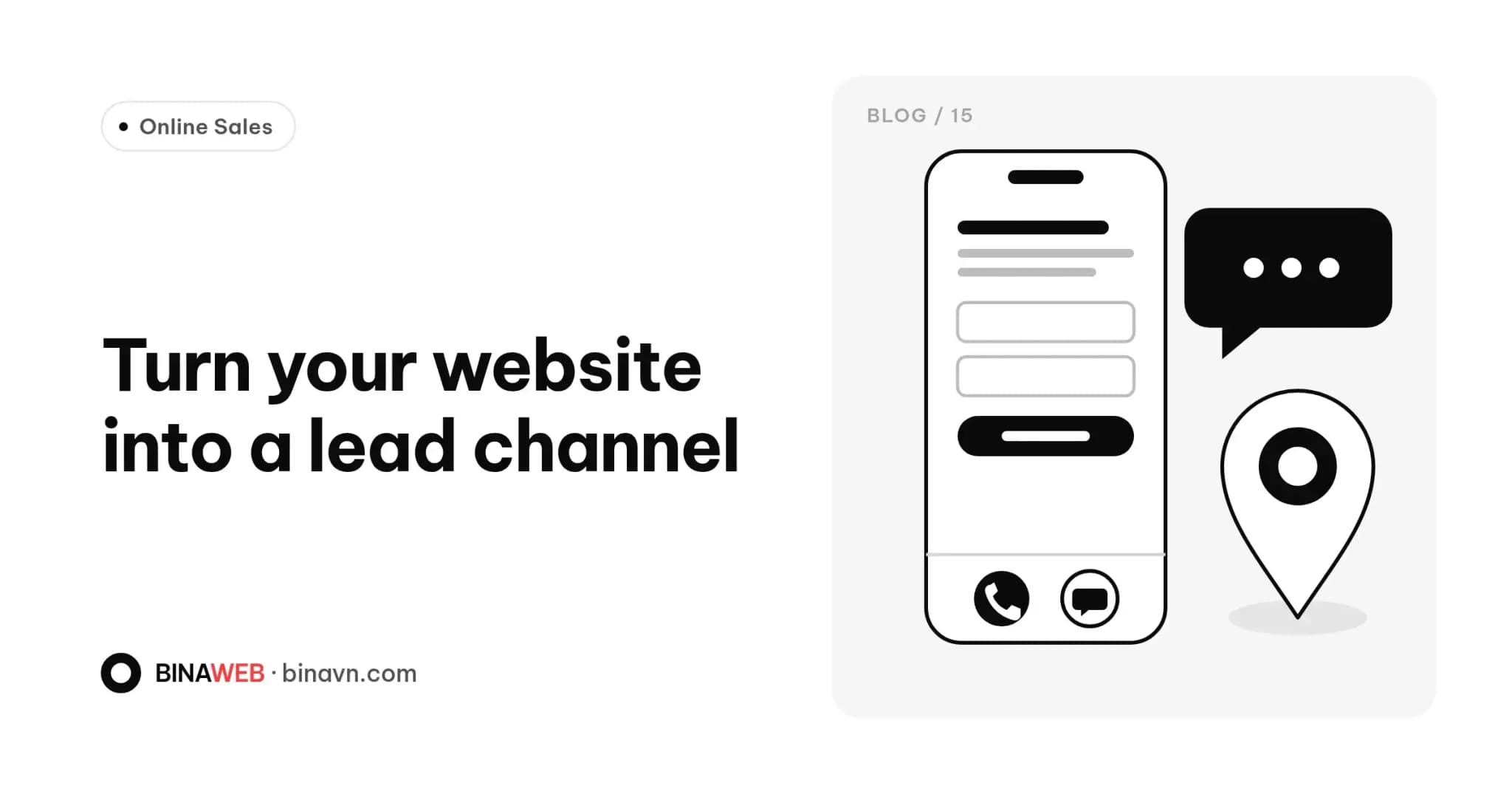
- Consider a sticky contact bar at the bottom of the mobile screen with call and Zalo buttons.
- Show the hours you take calls, so people don't ring when nobody can answer.
2. Zalo chat buttons
For Vietnamese customers, Zalo is often the preferred channel. It's quick, they can send photos, and it feels less awkward than a phone call.
- Use a zalo.me link with your phone number, or link to your business Zalo Official Account.
- Make sure someone actually monitors and answers that Zalo number. An unanswered message is worse than no button at all.
- If several people handle enquiries, a Zalo Official Account keeps conversations in one place instead of on someone's personal phone.
3. A short contact form
Forms still matter, especially for people reaching out after hours or sending detailed requests such as quotes.
Keep it short
Every extra field is another reason to quit. For a typical enquiry form you usually only need:
- Name
- Phone or Zalo number
- What they need help with
Email, address or budget can be optional, or asked later.
Small details that matter
- The phone field brings up a numeric keypad on mobile.
- Errors are shown right next to the field, without wiping what was already typed.
- After submitting, a thank-you message says when you'll get back to them.
- A link to your privacy policy explains how their details are used.
- You get notified instantly, so you can reply while they're still interested.
Stopping spam
Public forms attract spam quickly. Modern bot protection can work almost invisibly for real people, with no puzzles to solve.
4. Google Maps
If customers visit your shop, office or showroom, a map is essential.
- Embed Google Maps on your contact page, with the address as text so people can copy it.
- Add a "Get directions" button that opens the Google Maps app on mobile.
- Keep your Google Business Profile up to date so you show up when people search on Maps.
Embedded maps are heavy, so load them after the main content, or only when the visitor scrolls to them, to keep the page fast.
5. Put contact options where decisions happen
Don't save everything for the Contact page. People decide on product pages, service pages and at the end of articles. Invite them to get in touch there, with wording more specific than "Contact us": "Get a quote", "Book a consultation", "Check availability".
If you're running ads for one service, a focused landing page with a single call to action usually works better than sending people to your homepage.
6. Measure what works
If you don't measure, you can't tell where to invest. In Google Analytics 4 you can track important actions as events, for example:
- Tapping the call button
- Tapping the Zalo button
- Submitting a form successfully
- Tapping "Get directions"
Mark these as key events in GA4 and you'll see which pages and traffic sources generate the most enquiries. If you advertise, it shows how hard your budget is really working.
Stay on the right side of cookie and personal data rules: let visitors give consent before analytics and marketing tools switch on.
Quick checklist
- Phone number is tappable on mobile
- Zalo button works and someone answers
- Form has no more than three or four required fields and confirms submission
- Map and directions button (if you have a location)
- Contact prompts on product pages, service pages and posts
- Calls, Zalo taps and form submissions tracked in GA4
The bottom line
A good website isn't just something to look at. It should get people to act. Sometimes rearranging a few buttons and trimming a form is all it takes to see more enquiries.
Websites built by Bina are designed with clear contact points on mobile and come with analytics set up at handover. If your current site gets visits but few enquiries, send us the link for feedback, or explore our Services.